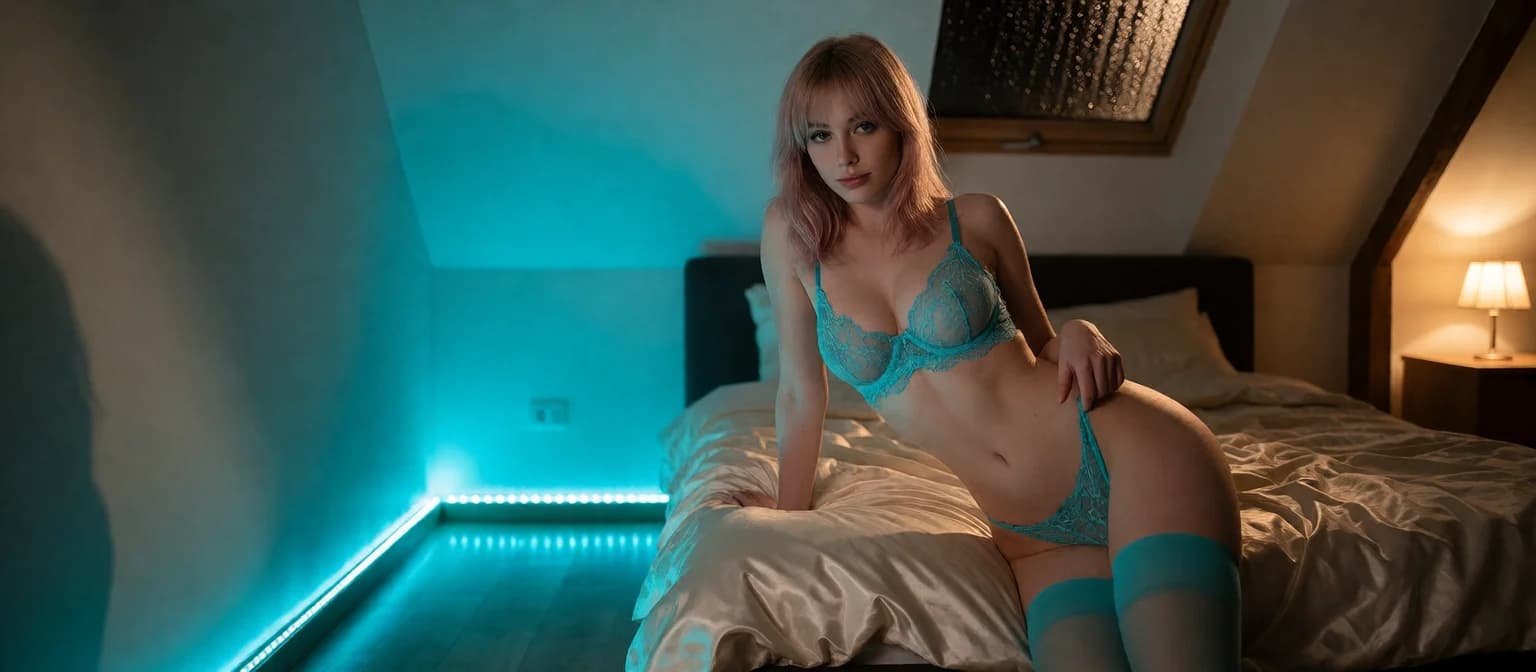
AI GILF: What Actually Works in 2026
The AI GILF Age-Fidelity Scorecard
Most apps can put gray hair on a 25-year-old face. That isn't an AI GILF. So I graded these apps on one question: does she look her age, talk her age, and still look her age in the tenth photo?
In companion apps, "AI GILF" means an adult woman persona who reads as roughly 50-plus, with a personality that has some real life experience behind it.
| Row | GoLove.ai | Preset-gallery companion apps | Standalone image generators | Text-only companion apps |
|---|---|---|---|---|
| Age-realistic looks | Strong | Weak | Partial | Not offered |
| Mature conversation tone | Strong | Partial | Not offered | Strong |
| Memory | Strong | Partial | Not offered | Partial |
| Voice | Strong | Partial | Not offered | Not offered |
| In-chat photos | Strong | Partial | Not offered | Not offered |
| Video | Strong | Weak | Partial | Not offered |
| Entry friction | Strong | Partial | Partial | Strong |
| Cost model | Partial | Partial | Partial | Partial |
GoLove.ai wins because you aren't hoping a preset happens to be older. You build her yourself in Realistic style. From then on the chat, her voice and the photos she sends all stay tied to that one character, so her age doesn't reset every time you switch features. Text-only apps can match GoLove on tone (credit where it's due), but a written description can't show you her face. The one row GoLove doesn't sweep is cost, and I'll get to why further down.
Starting costs you nothing. A chat opens straight from Explore, so you can judge how a character talks today, before you spend anything on building one.
Looks vs Talk: Two Ways an App Fails the Age Test
Most reviews treat "mature" as one feature. It's actually two, and an app can pass one while failing the other.
HEAR HER SAY IT
Real-time voice calls and voice notes.

Try giving the same request to each type of app: a silver-haired 58-year-old who flirts slowly and speaks her mind. The preset gallery hands you a 22-year-old with a gray rinse. The generator gets her right once and then loses her. The text app nails how she talks and never shows you her face.
Why Presets Skew Young
Character galleries are built around the default 22-year-old, because that's what most people browse. Generators have the same bias. Ask for an older woman, and a few images later the face slides back toward the young default the model was trained on.
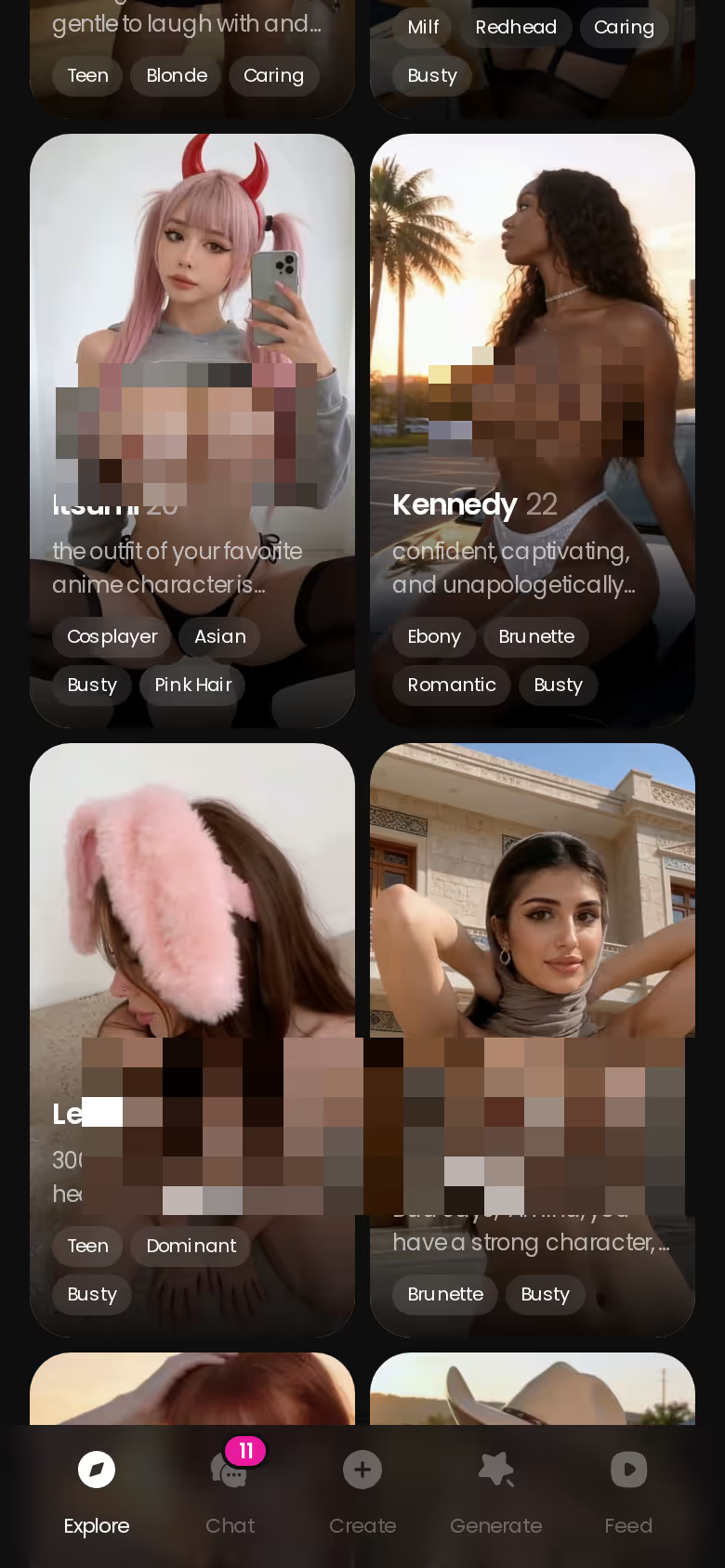
Explore gives you a range of characters to browse. If you want one who's clearly mature, though, expect to build her yourself.
Gray Hair on a 25-Year-Old Face
Gray hair is styling. What really ages a face is skin texture, how the jaw and cheeks have settled, and the way she holds herself. Without those cues she still reads as 25.
When She Talks Like a Grad Student
This one's the mirror image. The avatar looks 55 and texts like someone cramming for finals: slang she'd never use, references from the wrong decade, far too eager. It comes across as kinda hollow.
- Myth: AI can't do older faces. Fact: It can. The problem is keeping the face older across many images.
- Myth: Gray hair equals GILF. Fact: The real age cues are structural, not the hair color.
- Myth: An older look means an older personality. Fact: Tone comes from the backstory, not the avatar.
Building Her Yourself in GoLove's Create Wizard
GoLove earns the "age-realistic looks" row because you don't have to hunt for a preset that happens to be older. The create wizard is its own flow, separate from opening a chat in Explore, and it starts from a blank character.
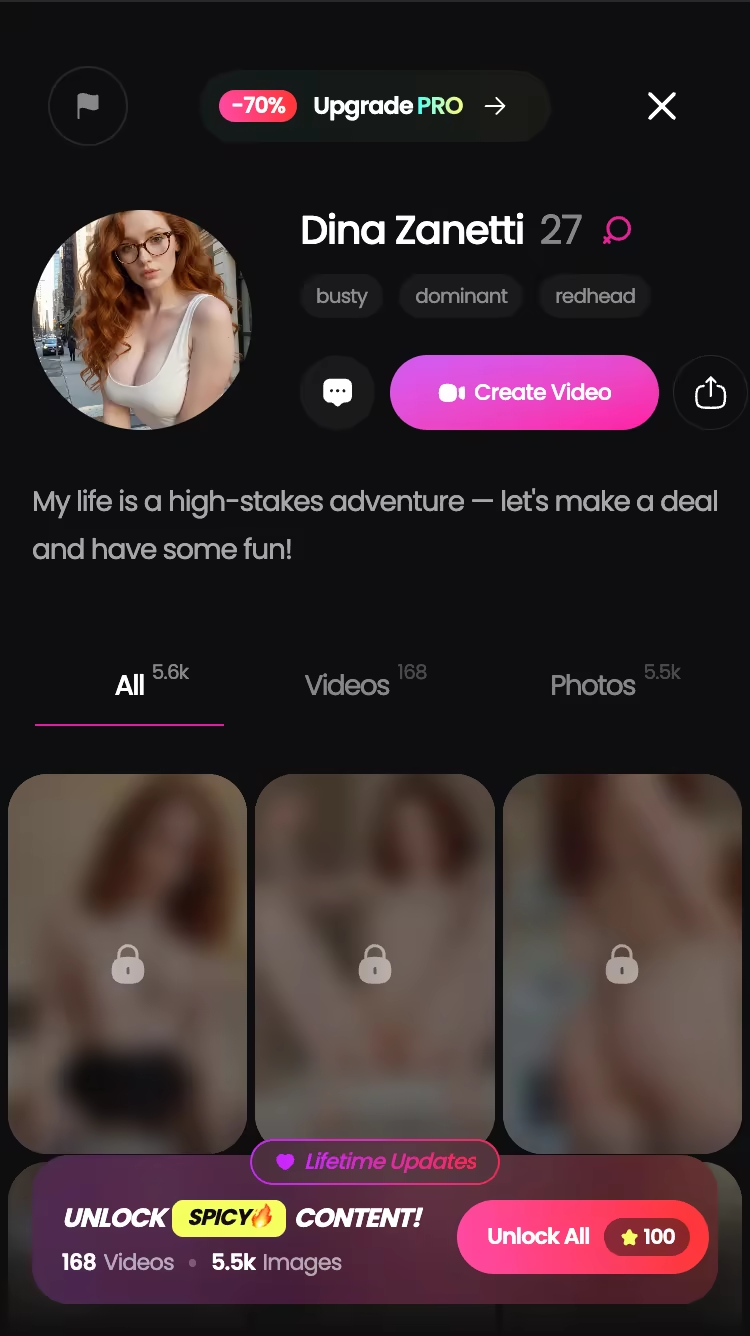
Realistic or Anime: Why the Style Card Matters
Go Realistic for a mature character. It's the style that can show skin texture, bone structure and the other signs of age. Anime flattens all of that, which is why an anime woman who's supposed to be sixty usually looks barely out of school.
The Female/Trans Toggle and Design AI Shortcut
The toggle at the top of the wizard sets who you're building. Design AI lets you describe the concept in plain text (something like "silver-haired widow, 58, dry humor") and generates the character from that.
Writing a Backstory With Real Years in It
Her conversation tone comes from the backstory, so don't rush this part. Put in her age, what she's lived through and how she talks.
- Open Create from the nav.
- Set the Female/Trans toggle.
- Pick the Realistic card.
- Use Design AI, or set her details by hand.
- Write a backstory that gives her real years: past marriages, a career, opinions she's held for a long time.
This is the step where she starts to feel human. She stops being a script the first time a reply draws on her own history, like a past marriage or the career you gave her.
Photos in the Thread: Does Her Face Stay Her Age?
Photos are where most AI GILF setups fall apart, and that's why this row counts for so much.
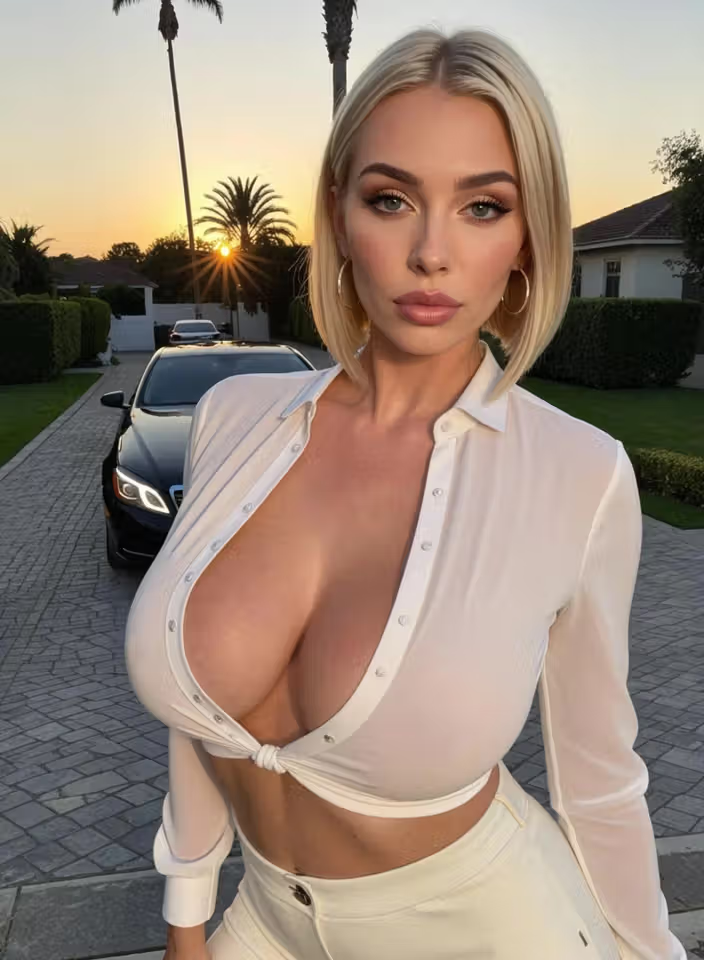
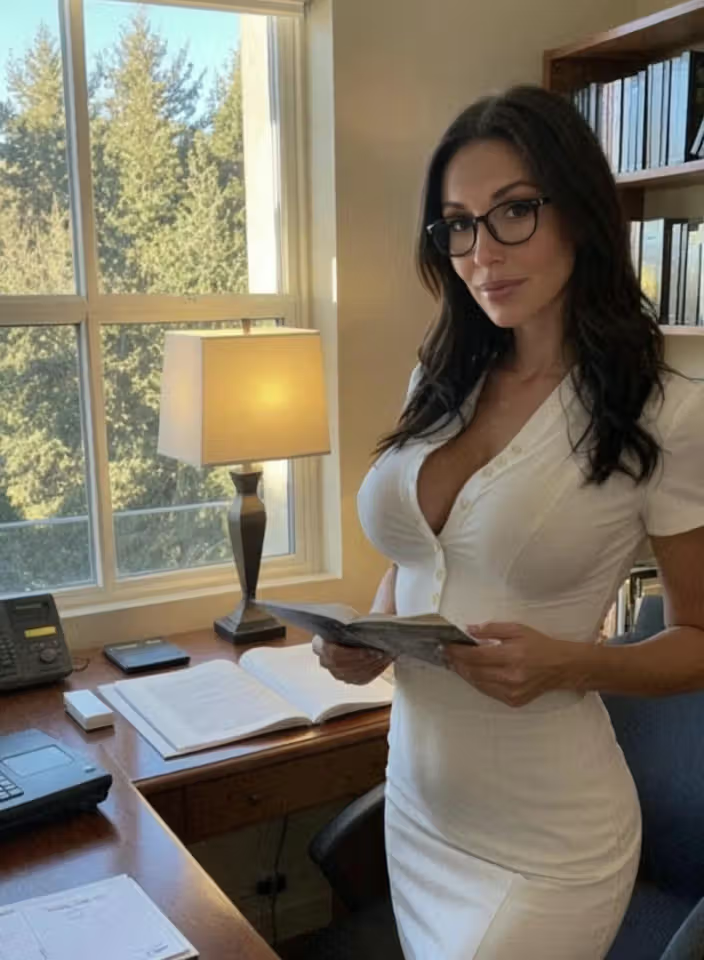
Characters you can open right now
Tap any of them and the chat starts there

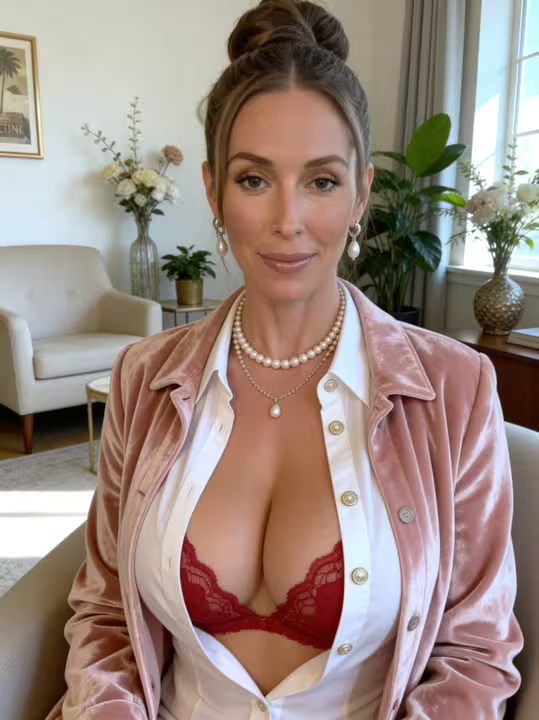


Asking for a Photo Mid-Conversation
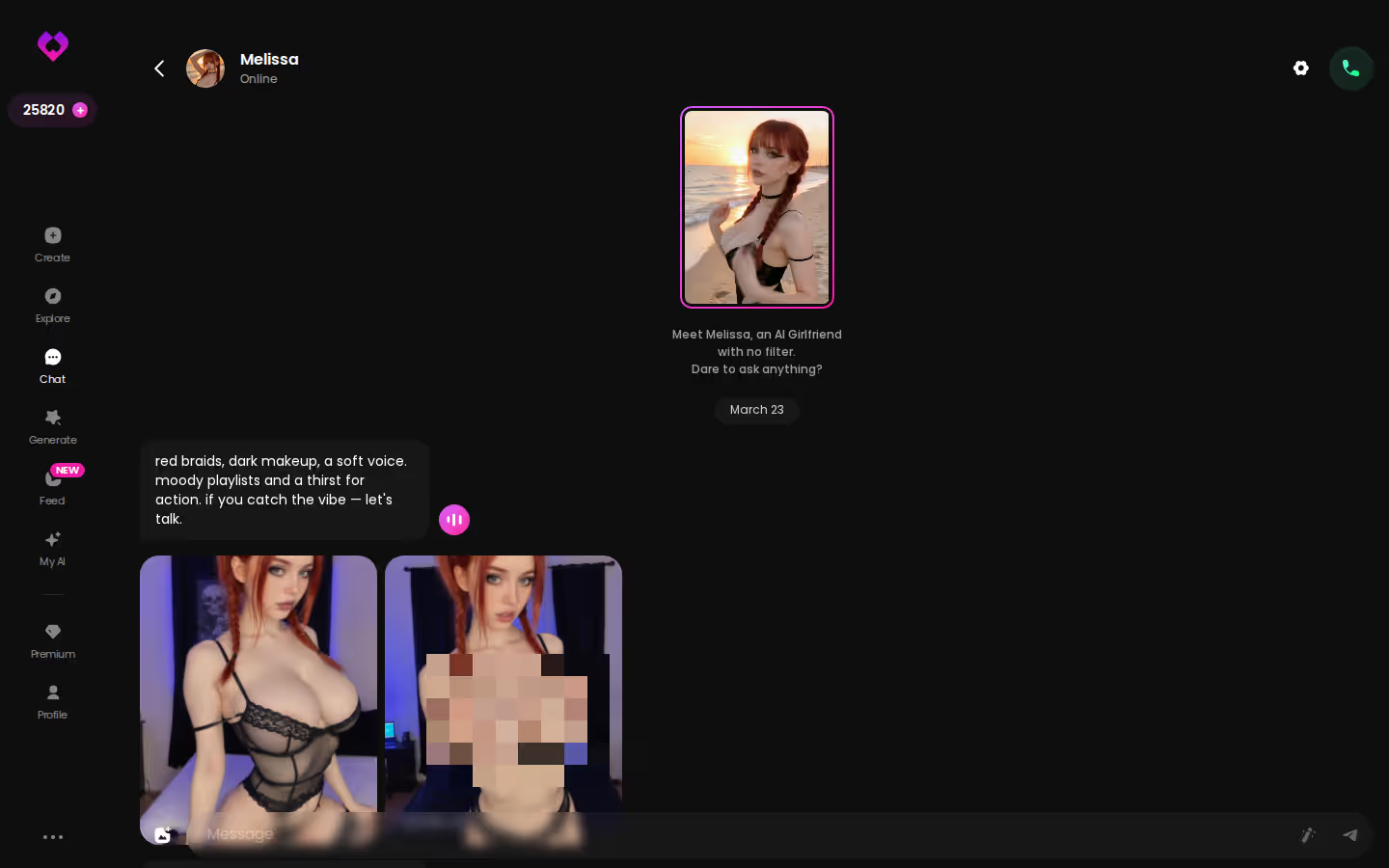
GoLove has a feature called Request Photos in Chat. You ask for a picture while you're talking, and it arrives in the same thread from the character you built. She never gets passed to a separate tool and sent back as someone else.
Spotting Drift Toward a Young Default
Across several photos, check three things:
- Her facial structure stays the same.
- The age cues stay put: the lines around her eyes, the texture of her skin, a mature build.
- There's no gradual smoothing back into a generic 25-year-old.
The per-character Gallery sorts her images by date, so it's easy to put early and later photos side by side.
A standalone one-off generator starts fresh on every prompt. It has no character to stay faithful to, so drift is what you get by default. A photo that arrives in the conversation is tied to the persona you built, and that makes her far more likely to keep her age.
If you've already built her, a photo request is the fastest way to check whether she still looks her age, so go ask her for one.
Video, Remix and the Feed With an Older Character
Video is where a weak generator gives itself away. A still image can look convincingly older, and then the movement softens her back into the young default by frame thirty.
Photo-to-Video and Video Actions
GoLove can turn a photo from the chat into motion with Generate Video from Photo. You can also trigger movement from the Select Action modal inside the thread. Both start from your custom character, not a stock face.
The Feed and Per-Clip Remix
The Feed is a vertical, swipe-through stream of clips. Tap Remix (the magic wand) and the generator opens with that clip's settings already loaded, so you can swap in your own character.
Preset Cards in the Video Generator
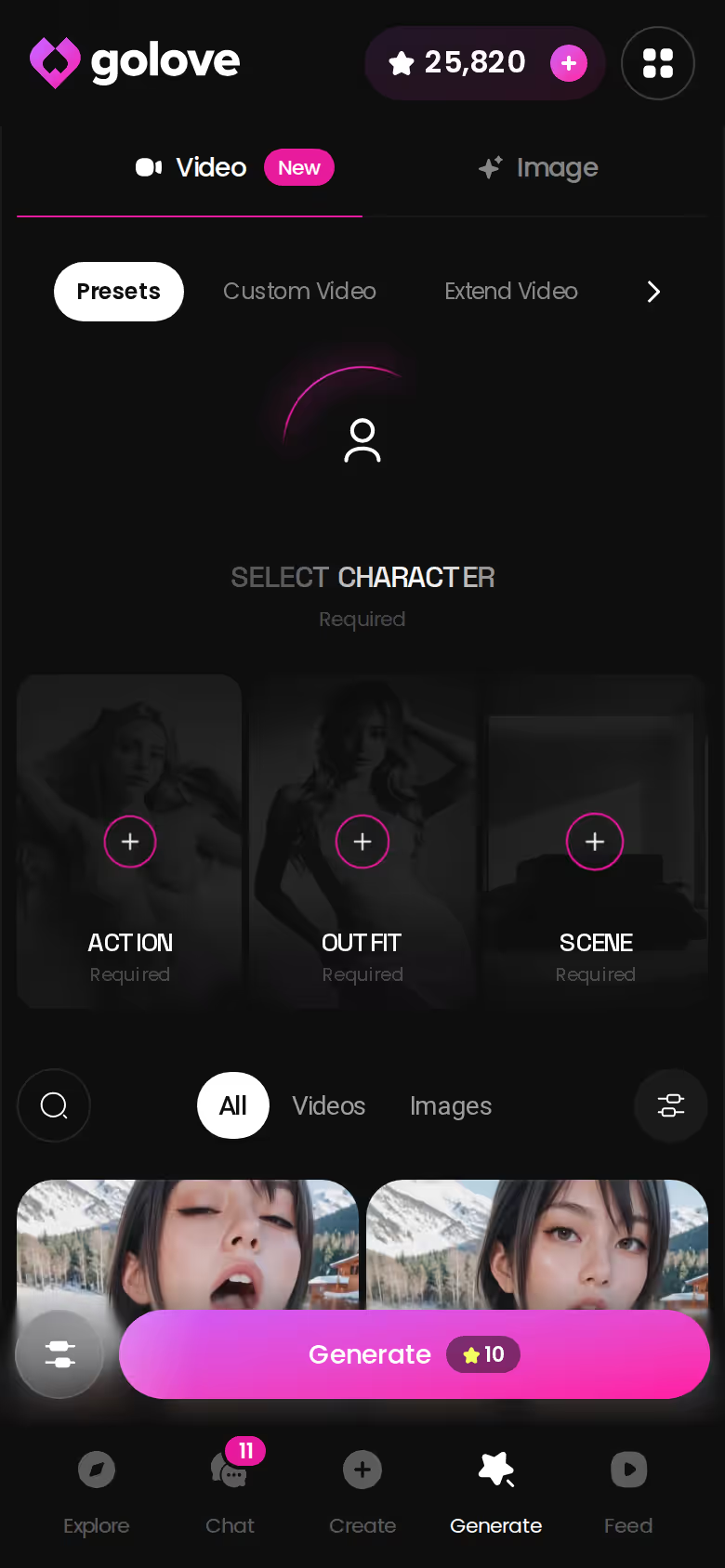
The Video tab builds a clip from preset cards (action, clothes, background), and after that it's a single tap on Generate. It works with any custom character from Create, and there are 76 realistic video modes to choose from.
ASK HER FOR PHOTOS
She sends them right there in the chat.
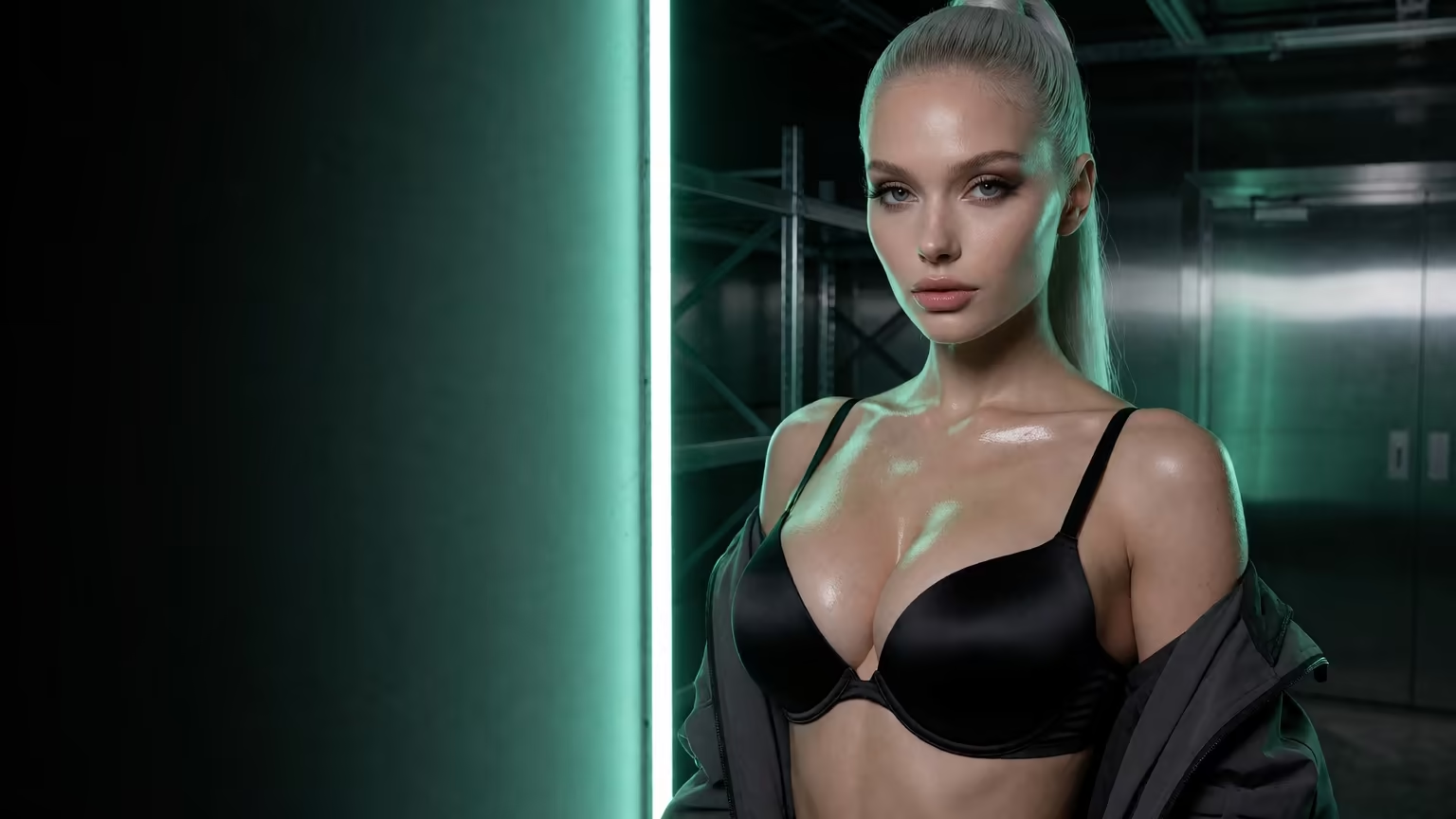
What good looks like, in one checklist:
- Real-time voice calls with per-character voices
- Memory across chats — she remembers your details
- In-chat image generation — 35 poses and 21 outfits
- 2 reward stars every day you log in
- Consistency: the clip uses your character, not a random new face.
- Filters: Feed filters for style, gender and age are PRO-only.
- Paywall: video is premium media, so plan to pay for it.
Putting the age filter behind PRO stings a little for anyone searching specifically for older characters. Still, the video side is surprisingly sharp. It's an extra, though. Chat and photos are the main event here.
Memory and Voice: Why She Stops Feeling Like a Costume
An older look without continuity is only skin-deep. Without it she stops feeling like a person and starts to feel like a costume someone else is wearing.
Her History and Her Name for You
GoLove's Memory keeps track of your chat history: the backstory you gave her, what you've told her, and the pet name she's settled on for you. When she brings back something you mentioned days earlier without being asked, she reads as one woman, not a new session.
> Does she forget she's supposed to be older after a long chat? > Memory holds on to the conversation history, and your backstory sets who she is. Both are there to keep her anchored to the age you wrote. If she drifts, a clearer backstory is the fix.
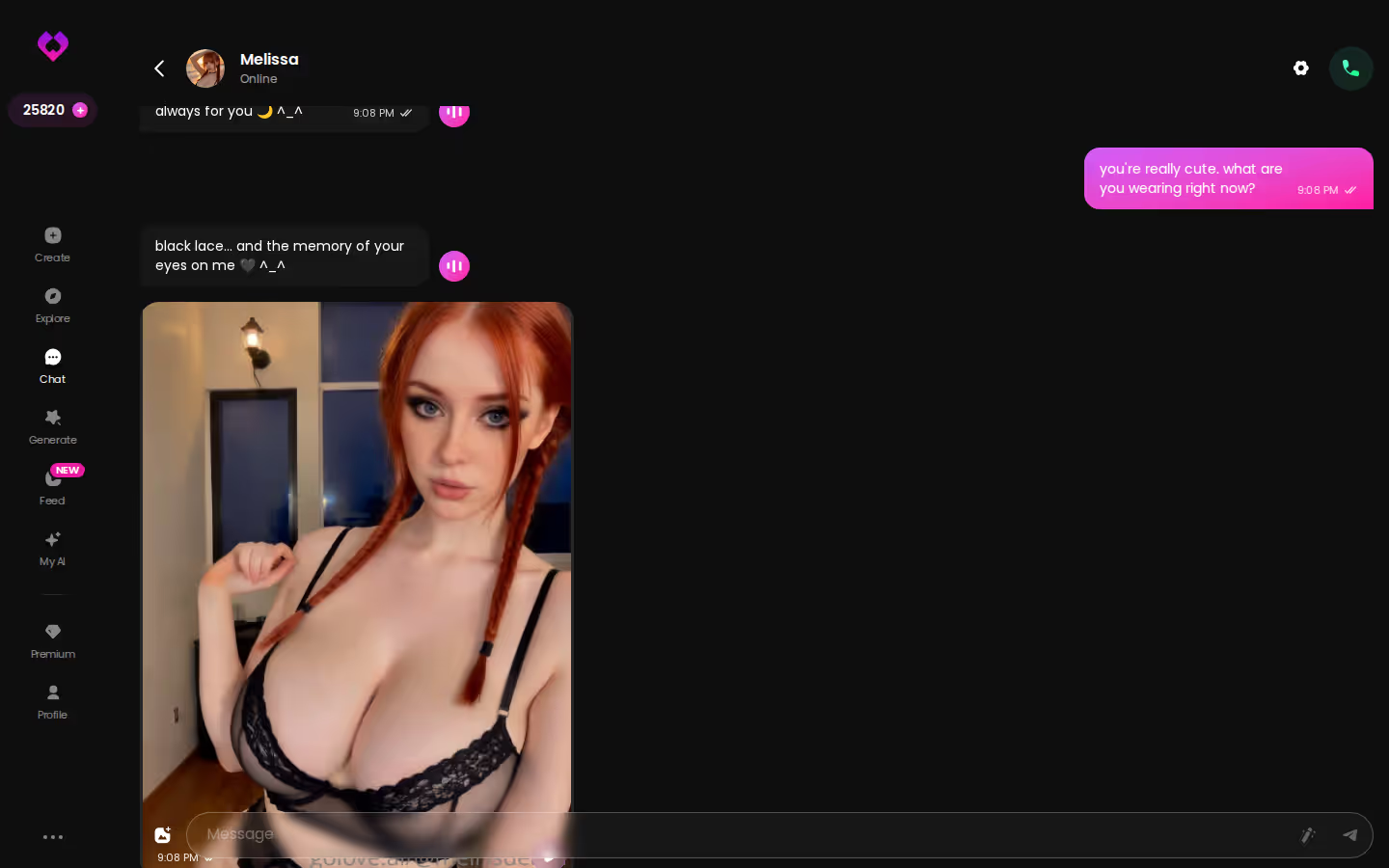
Keeping Her Tone and Voice
Chat Settings has a voice picker, so you can choose a voice that fits a woman with decades behind her. Live voice calls and voice messages both use that voice. The five-level Lust Level and Response Length sliders set how warm and how talkative she is. Tune her toward flirty and a little submissive, let her take her time, and you get a very different character from a snappy 22-year-old. The screenshot shows the continuity paying off: she keeps the conversation going herself, which a phoned-in bot never does.
GoLove.ai Before the Paywall: Limits and Price Caveats
This section covers the "entry friction" and "cost" rows. It's where GoLove gives up a little ground.
What Opening a Chat From Explore Gets You
Tap a character in Explore and the anonAuth flow takes you straight into a chat, so you see how she talks before you pay anything. Building your custom GILF is a separate step, because the create wizard runs as its own flow.
Where Premium Media Starts Costing
Chat is the low-friction way in. The paywall shows up once you get into photos, video and heavier use, and the limits come in a few forms:
- Stars: the in-app currency that generation runs on. You get 2 free per day.
- PRO: needed for the unlimited Feed and for Feed filters, age included.
- Feed quota: free users get a limited number of new Feed videos per day.
Two free Stars a day doesn't go far if photos are the reason you're here. That's the main reason GoLove only gets a Partial on cost.
Why Your Price May Not Match Mine
GoLove prices by region and runs rotating promos, so I'm not quoting a figure here. Check what your own checkout screen says.
If you want everything free and unlimited, this isn't your app. If you're willing to pay for photos that keep her face consistent, it's a fair trade.
Pricing and limits checked September 2026; confirm on the checkout screen.
Age Fidelity Row by Row: Where the Scorecard Lands
Back to the scorecard. Three rows decide this one: age-realistic looks, in-chat photos that keep her face, and continuity from memory and voice. GoLove scores Strong on all three.
The alternatives do have real strengths. A standalone image generator gives you precise control over a single image, and if you want one perfect portrait of an older woman, it can produce it. A text-only app can get her tone exactly right. But neither one gives you the whole woman. The generator's portrait has no memory and no voice, and she drifts on the next prompt. The text-only app has no face at all.
Getting an AI GILF right means keeping her the same age across chat, photos and video, not just getting one of them right. That's why GoLove is the one to beat. Leaving the cost row aside, it's an easy recommend.
Grade: Keeper.
GoLove.ai is my pick because you build her yourself in Realistic style, and then memory, voice and in-chat photos keep her at that age. Open Create, pick the Realistic card, and write her a backstory with real years in it.
See also: Dreamjourney AI, AI Porn Movies and AI Girlfriend Meme.
Frequently Asked Questions
Related Articles

AI Porn Movies: What Actually Works in 2026
AI porn movies, done right: GoLove.ai wins with a personalized video generator — your character, your script, no email needed. See it in action.
AI Girlfriend Meme: What Actually Works in 2026
The AI girlfriend meme jokes about goodnight texts and jealousy — GoLove.ai actually delivers memory, voice and real photos. See what's real.

DreamJourney AI Alternative: Why GoLove.ai Wins
DreamJourney AI handles text roleplay; GoLove.ai wins on memory, in-chat photos and video. Start chatting — no email needed — and compare both yourself.

Best AI Girlfriend Reddit Picks:Which App Actually Del
Best AI girlfriend Reddit threads keep naming — GoLove.ai wins on memory, voice, and real photos. See the pricing table before you pay for the wrong app.
This article contains affiliate links. We may earn a commission at no extra cost to you if you sign up through our links. See how we test.